Equipment and materials for education, makers and small businesses.

Product imagery based on manufacturer photography.
Equipment or materials in application photos may be sold separately.
Apply transfers to suitable garments and blanks with automatic pressing, adjustable pressure and a 38.1 × 38.1 cm heating plate.
In stock
LOKLiK · Heat presses
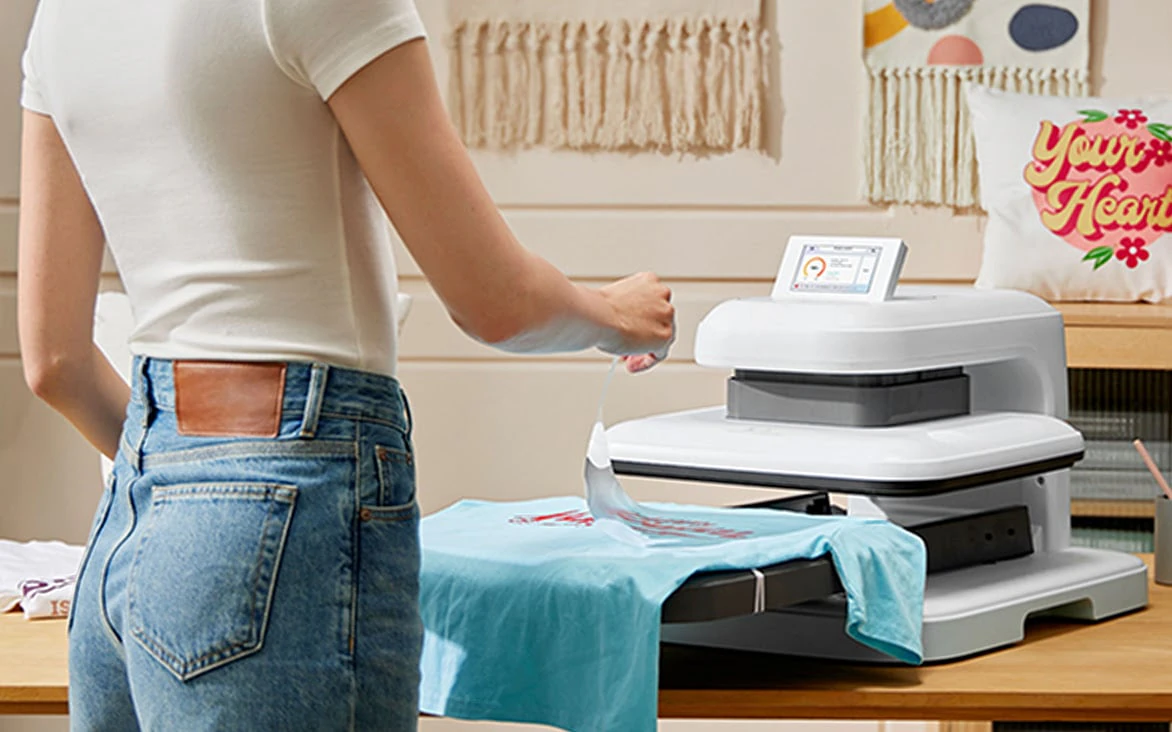
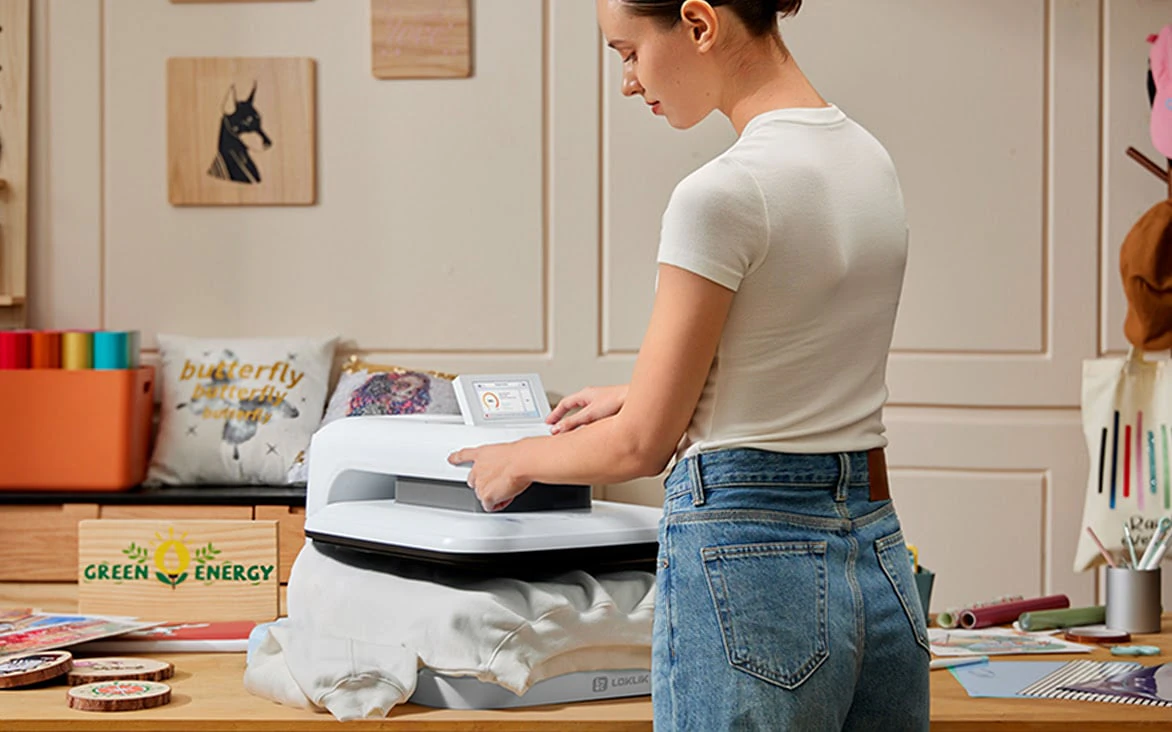
ImPress Auto 2 Smart applies controlled heat and pressure to a prepared transfer. The pull-out loading area makes it easier to position a garment or blank, and the automatic press cycle supports a repeatable process. Its touchscreen provides access to the settings needed for compatible heat-transfer vinyl, transfer paper, sublimation and DTF applications.
Match the transfer to the fabric or blank before choosing time, temperature and pressure. Different materials also need different peeling and aftercare methods, so test one item before starting a batch. The press handles the application stage; designs and transfer prints are prepared separately. Set it on a stable, heat-resistant surface with room to load and unload safely.
| Brand | LOKLiK |
|---|---|
| Configuration | Daisy White |
| Colour | Daisy White |
| Controls | Tilting touchscreen |
| Dimensions | 540 × 445 × 330 mm |
| Net weight | 20 kg |
| Technology | Automatic heat transfer press |
| Heating plate | 381 × 381 mm |
| Pressure setting | 20–80 kg, as specified by the manufacturer |
| Power consumption | 1,600 W |
| Maximum temperature | 210 °C |
| Maximum item thickness | 45 mm without the pressing mat |
| Product family | Heat presses |
| Applications | Heat-transfer vinyl, Transfer paper |
Daisy White
No. Prepare the transfer separately using the appropriate cutting or printing process, then use the press to apply it.
Permanent adhesive vinyl is a different material. Use heat-transfer vinyl or another transfer process suitable for the fabric and press.
Follow the instructions for the specific transfer and substrate. Test a sample and use the required pressure, peel method and aftercare.
The standard manufacturer package includes the press, a pressing mat, a PTFE protective sheet and the user manual. Starter packs and the iCraft cutter are separate bundles.