Equipment and materials for education, makers and small businesses.
Product imagery based on manufacturer photography.
Equipment or materials in application photos may be sold separately.
Cut paper, card and vinyl for labels, decorations and personalised projects with a desktop digital cutter and IdeaStudio software.
Available to order from manufacturer
Estimated delivery: Fri 6 Nov
LOKLiK · Digital cutting machines
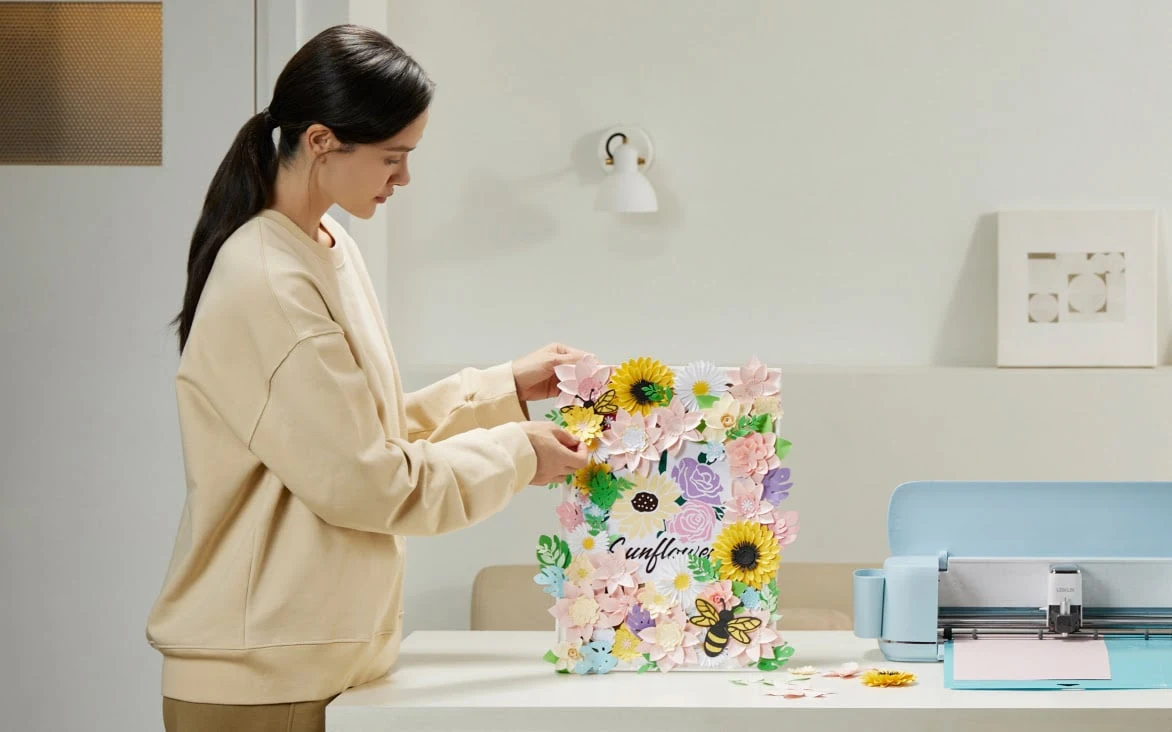
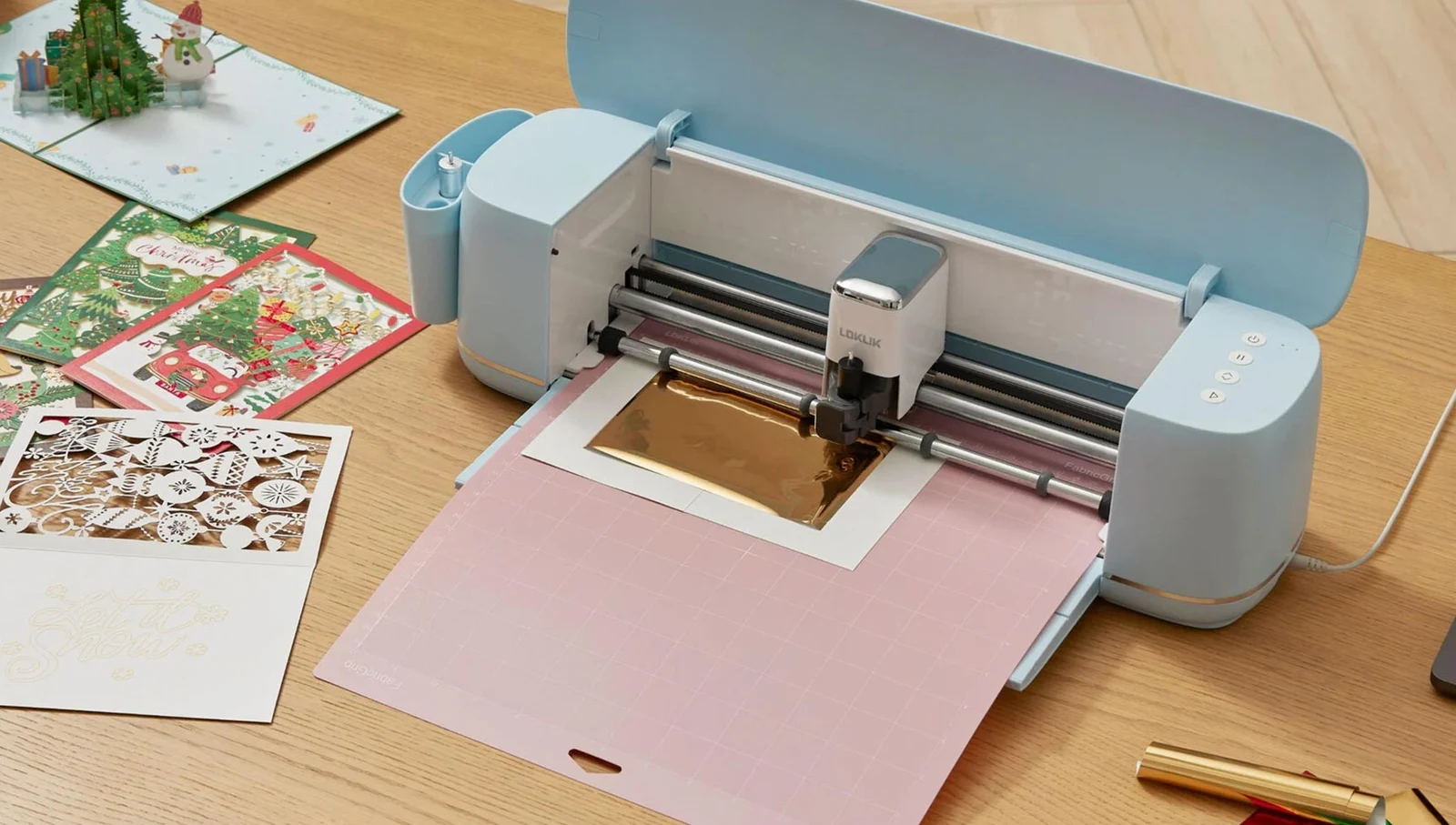
iCraft turns digital artwork into cut shapes for paper projects, vinyl lettering and other supported craft materials. The fine-point blade handles lightweight and medium-weight materials, while the supplied pen holder adds a drawing workflow. Printed designs can be prepared for contour cutting, making the machine useful for labels and stickers as well as designs cut from plain sheets.
Choose the blade, mat and settings for the material, then make a small test cut before the full design. IdeaStudio provides the design and cutting workflow, with USB and Bluetooth connections available. Deep-point cutting, scoring, foil transfer and roll-fed work require their corresponding optional tools. These extend the machine’s uses without changing the need to check the material and setup for each project.
| Brand | LOKLiK |
|---|---|
| Configuration | Daisy White |
| Colour | Daisy White |
| Software | IdeaStudio |
| Dimensions | 515 × 140 × 145 mm |
| Net weight | 5 kg |
| Technology | Digital blade cutting and pen drawing |
| Connectivity | USB and Bluetooth |
| Compatible mats | LOKLiK blue, green, purple and pink cutting mats |
| Operating noise | Under 60 dBA, according to the manufacturer |
| Power consumption | 36 W |
| Supported materials | Paper, card, adhesive vinyl, heat-transfer vinyl and other approved craft materials |
| Maximum material thickness | Up to 2 mm with the optional deep-point blade and suitable material |
| Product family | Digital cutting machines |
| Applications | Paper, Vinyl, Card |
Daisy White
It cuts prepared printed designs; it is not an ink printer. Printing the artwork requires a separate suitable printer.
No. LOKLiK excludes wood, metal and glass from the iCraft cutting and engraving workflow.
No. The standard package includes fine-point blades. Deep-point cutting, scoring and foil transfer use optional tools.
Yes. Use a compatible cutting mat, the appropriate blade and material settings, then test the cut before preparing the finished design.